Kustomer AI for Customers

Handle up to 70% of customer inquiries with autonomous AI Agents

Try for free

Trusted by teams scaling AI customer service without sacrificing experience

“So far, 70% of all conversations coming into chat are fully automated using Kustomer’s AI.”

White lowercase letters spelling vuori in a minimalist, sans-serif font on a white background. The text is faint and blends with the background, making it difficult to read.
“Kustomer gives us the confidence to scale with AI without sacrificing speed, accuracy, or the customer experience.”
White text on a light gray background reads LoadUp with the U designed as an upward-pointing arrow.

AI customer service built for real customer conversations

Understand context. Take the right action. Keep experiences connected.
Try for free
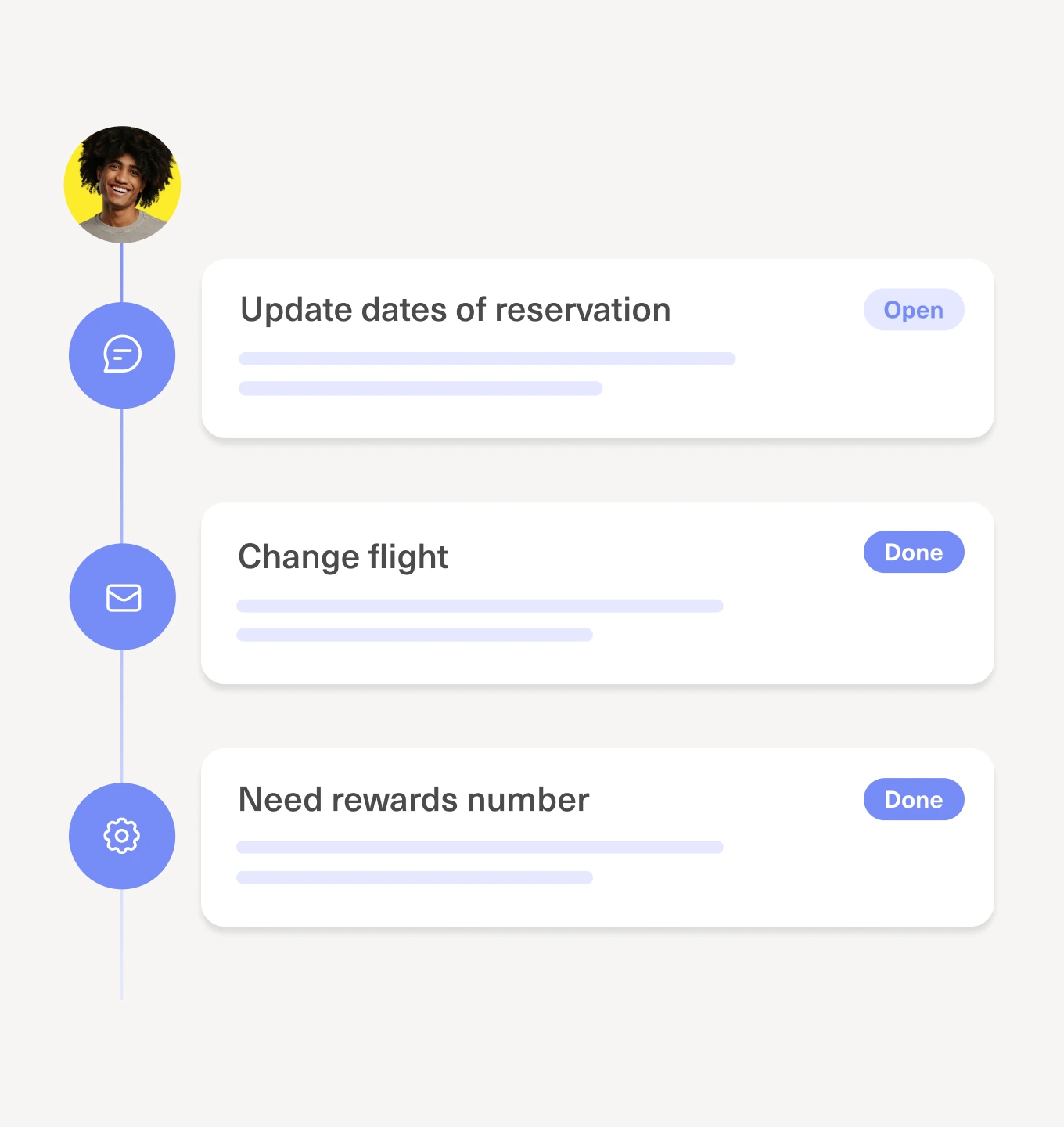
A vertical timeline with three tasks: Update dates of reservation (Open), Change flight (Done), and Need rewards number (Done). A profile photo appears at the top left of the timeline.

Drive personalized responses with real customer context

Kustomer’s AI Agents understand the full conversation and customer history, not just the last message, so they can use context across conversations, systems, and channels to reduce back-and-forth and escalations, involving humans only when needed.
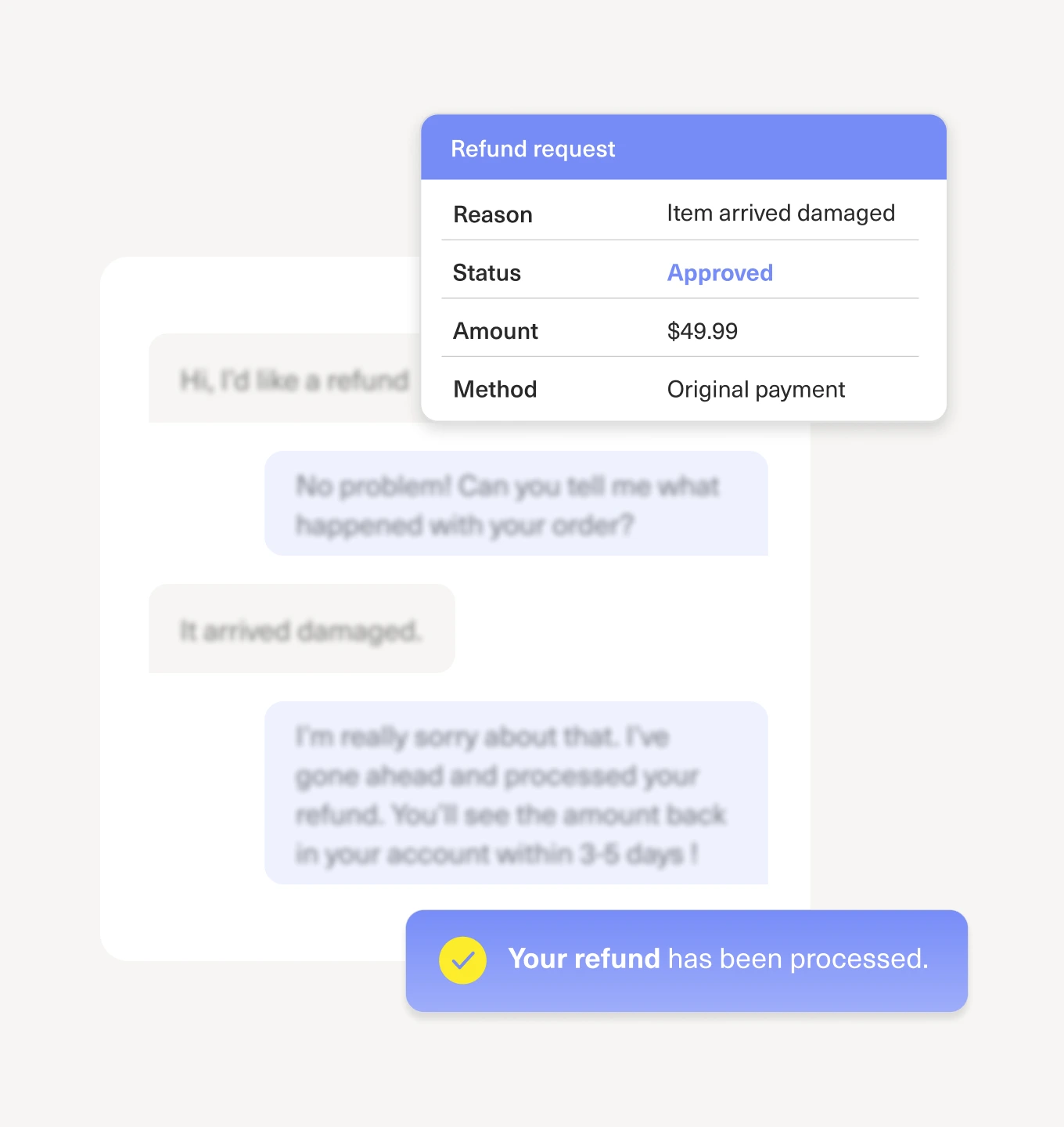
A digital screenshot shows a refund request panel with details: reason—item arrived damaged, status—approved, amount—$49.99, method—original payment. A highlighted message at the bottom says, “Your refund has been processed.”.

Automation with control

Use predictive intelligence to understand customer history, emotion, and context, while applying deterministic logic where accuracy is critical. With decision trees powered by AI at every step, you control when AI can adapt and when it must follow defined rules for refunds, policy enforcement, compliance, and escalations.
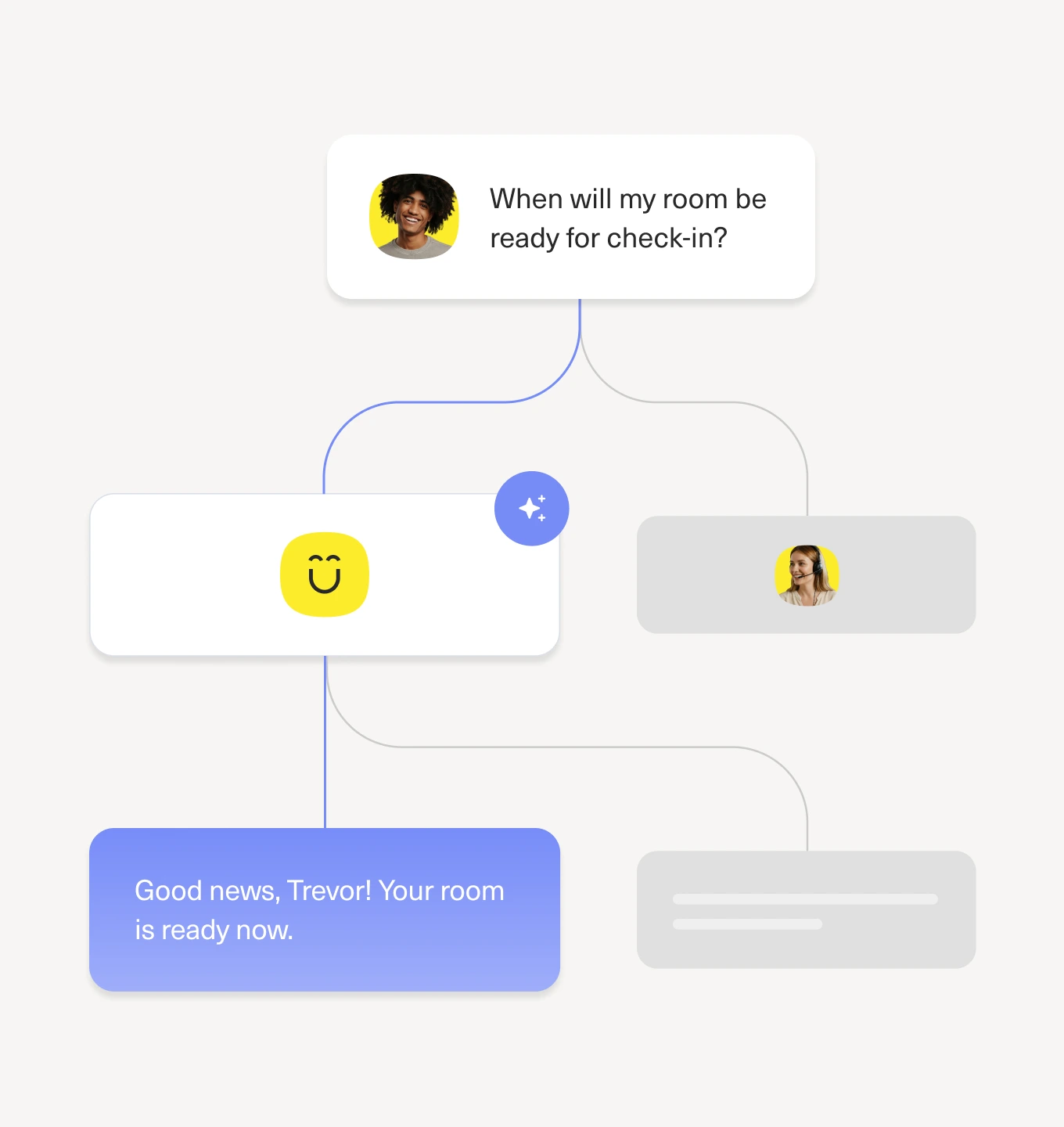
A flowchart showing a chat conversation: a person asks, When will my room be ready for check-in? The response at the end says, Good news, Trevor! Your room is ready now.

Orchestrate AI with confidence, not guesswork

Define when AI takes action, when conversations route to human agents, and how outcomes are achieved, without guesswork.

Built-in transparency and guardrails ensure every automated action aligns with your experience standards, not just efficiency metrics.
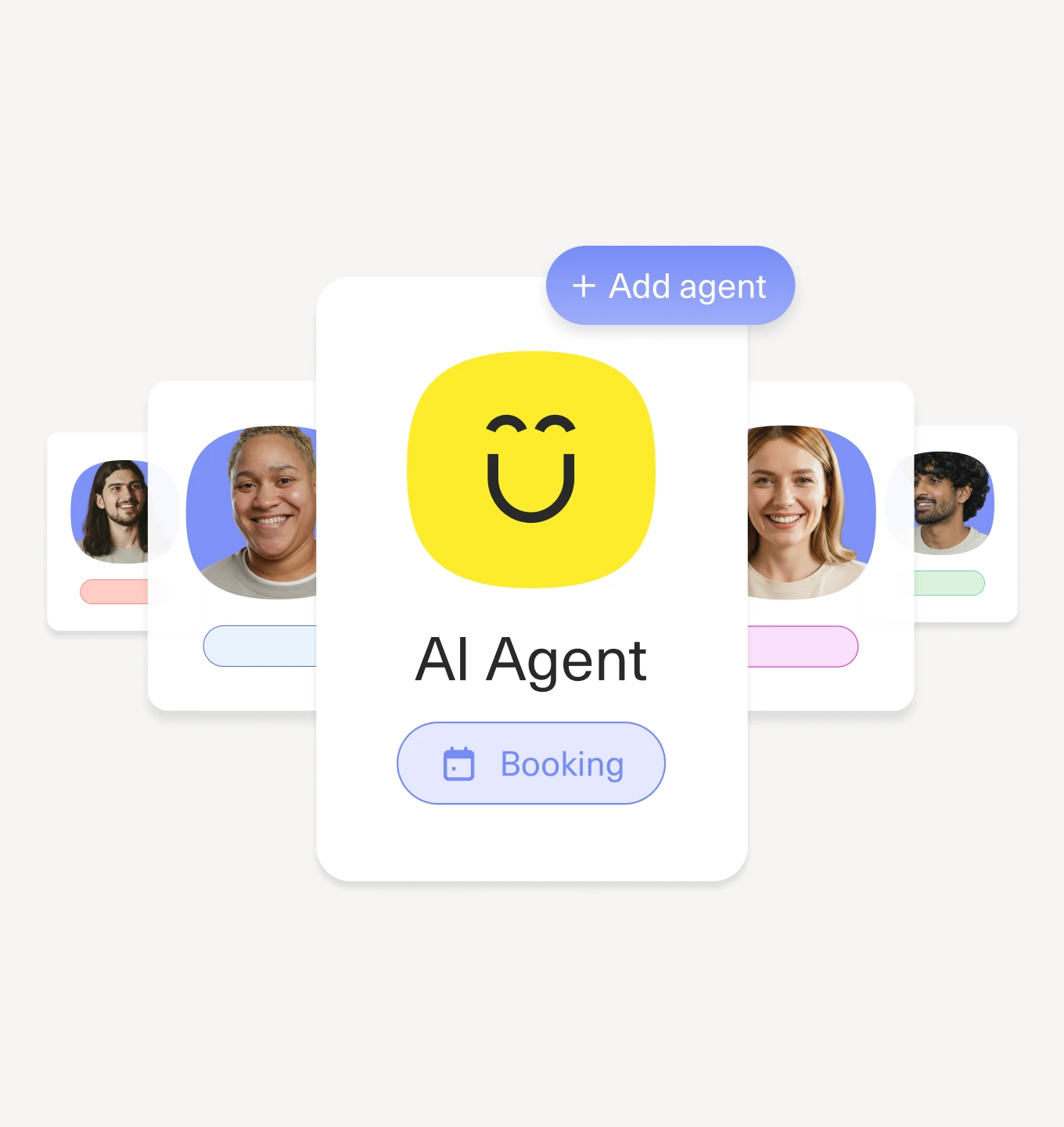
A digital card with a smiling yellow face and AI Agent text is in the center, labeled Booking. Behind it are blurred profile cards of diverse people. A + Add agent button appears above the main card.

Design AI Agents yourself with a no-code builder

Create AI agents that handle complex customer scenarios, decision logic, and edge cases without long development cycles or heavy maintenance. Build, test, and optimize them quickly in AI Studio with clear performance visibility, so your team can move faster and focus on what matters most.

Try Kustomer AI free for 30 days

Experience how AI Agents help your team save time, resolve issues faster, and stay in control from day one
Try for free
Two people smiling and sitting at a table, looking at a laptop screen together. Sunlight streams through large windows behind them, creating a bright and cheerful atmosphere.

Your ultimate AI Agent for customer service

Always on, always everywhere

A smiling person with curly hair is centered on a purple background, surrounded by AIC Features icons for email, Instagram, WhatsApp, phone, and messaging; a yellow smiley face is also present.

Configure to your brand

Human-in-the-loop
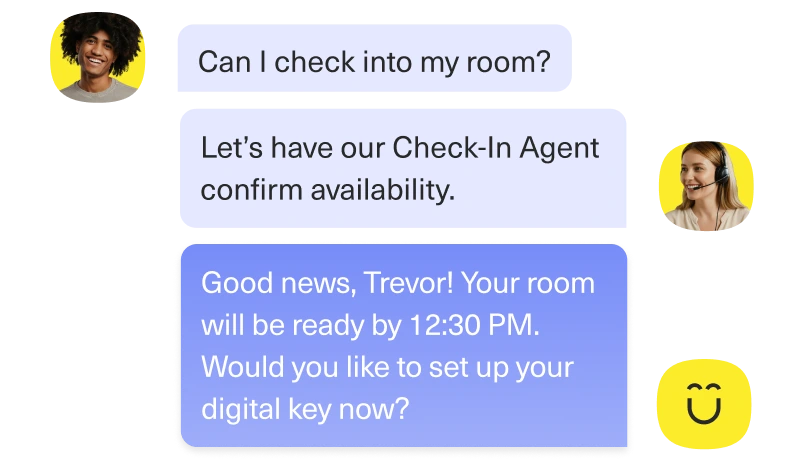
A chat conversation about hotel check-in: a guest asks if they can check in, the agent confirms availability and highlights AIC features, then informs Trevor his room will be ready by 12:30 PM, offering to set up his digital key. Smiling faces are shown.

External data sources

Monitor agent performance
Your ultimate AI Agent for customer service

Always on, always everywhere

A smiling person with curly hair is centered on a purple background, surrounded by AIC Features icons for email, Instagram, WhatsApp, phone, and messaging; a yellow smiley face is also present.

Configure to your brand

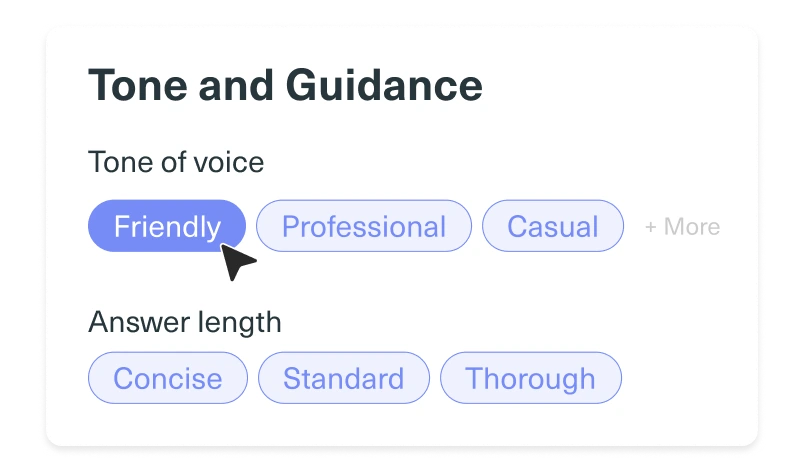
Interface displaying AIC Features like tone of voice options: Friendly (selected), Professional, Casual, and More. Below are answer length Features: Concise, Standard, and Thorough. A cursor points to the Friendly button.

Human-in-the-loop

A chat conversation about hotel check-in: a guest asks if they can check in, the agent confirms availability and highlights AIC features, then informs Trevor his room will be ready by 12:30 PM, offering to set up his digital key. Smiling faces are shown.

External data sources

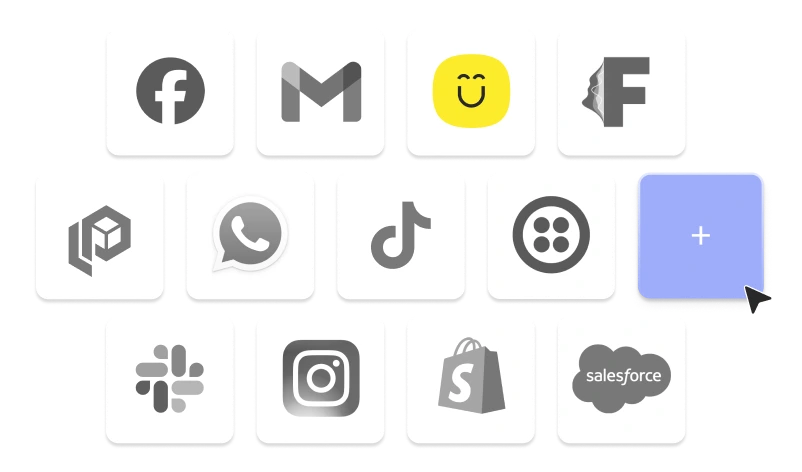
A grid of 14 app icons, including Facebook, Gmail, Slack, Instagram, and more. A blue square with a plus symbol suggests adding more apps or exploring new AIC features to enhance your experience.

Monitor agent performance

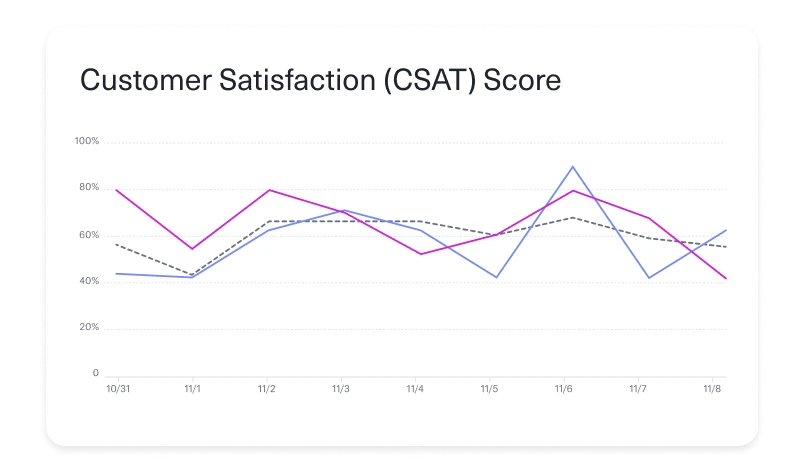
Line graph titled Customer Satisfaction (CSAT) Score with three colored lines showing fluctuating percentages from 10/31 to 11/8. Using AIC features, scores peak around 11/6 and dip at various points across the date range.

Try Kustomer AI without switching helpdesks.

Try Kustomer AI free for 30 days.
Try for free
cross linkedin facebook pinterest youtube rss twitter instagram facebook-blank rss-blank linkedin-blank pinterest youtube twitter instagram