Kustomer AI

Your AI for customer experience

Deploy custom AI agents for any CX use case, empower teams with real-time intelligence, and orchestrate the entire customer journey with AI that works across your CX stack—including Zendesk.
Try Kustomer AI for free

Businesses like yours use Kustomer AI to delight, retain and grow

1%
of conversations coming into chat fully automated
The image contains white, barely visible letters on a white background, making the text difficult to read.
1X
in scale while maintaining 90’s CSAT

White logo featuring a circular icon with a coffee cup and horizontal lines next to the words Terra Kaffe in bold, modern font, all on a light gray background.
1%
of customer conversations on WhatsApp are AI-powered
White aplazo logo with a stylized letter a at the end, displayed on a light gray background.

Elevate every experience with AI

Faster resolutions for customers, smarter tools for reps, better insights for leaders

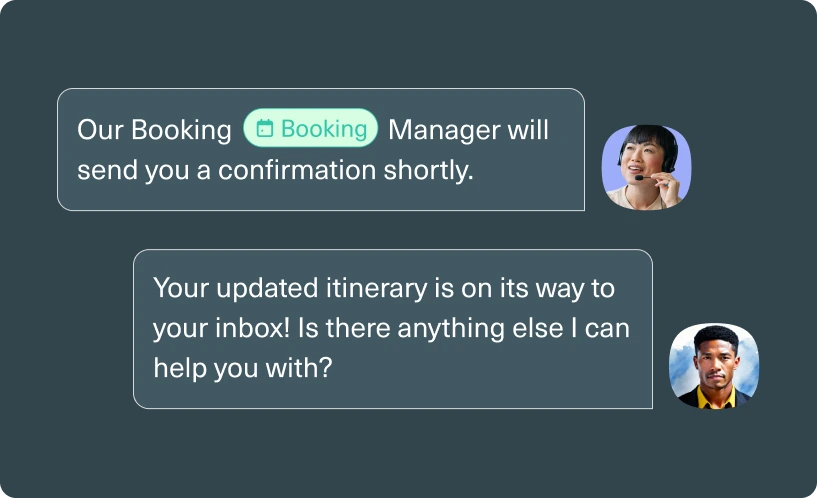
A chat conversation about hotel check-in, with text bubbles from two people and a message saying a room will be ready by 12:30 PM. A smiling face icon appears in the corner.
Autonomously resolve issues with always-on, contextual AI agents
Move beyond rules-based automation. Our AI agents use natural language understanding, conversation context, and historical data to resolve complex support interactions autonomously. 
Learn More
Empower your human agents with real-time contextual intelligence
Design and deploy complex CX workflows without writing code. Configure conditional logic, integrate third-party APIs, and orchestrate multi-step automations through a visual interface.
Learn More
A chat interface suggesting actions for booking a hotel room. Options include Book Standard room and Book Deluxe room. A cursor points to Book Deluxe room. A profile image of a smiling woman is on the right side.
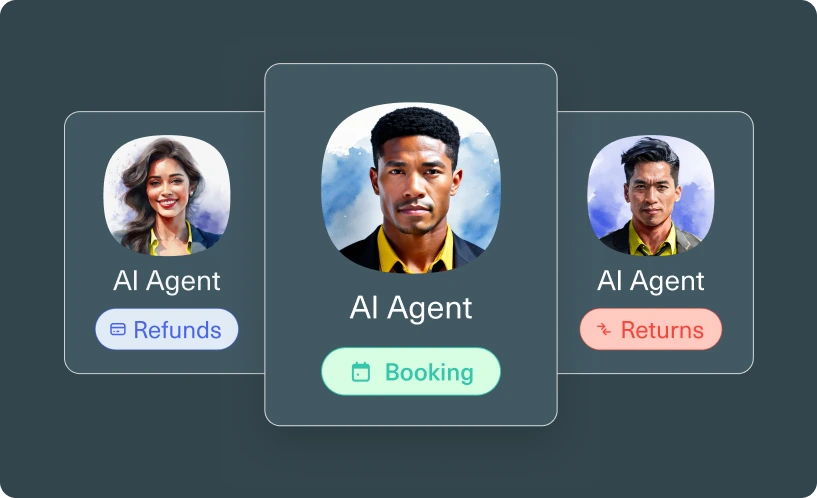
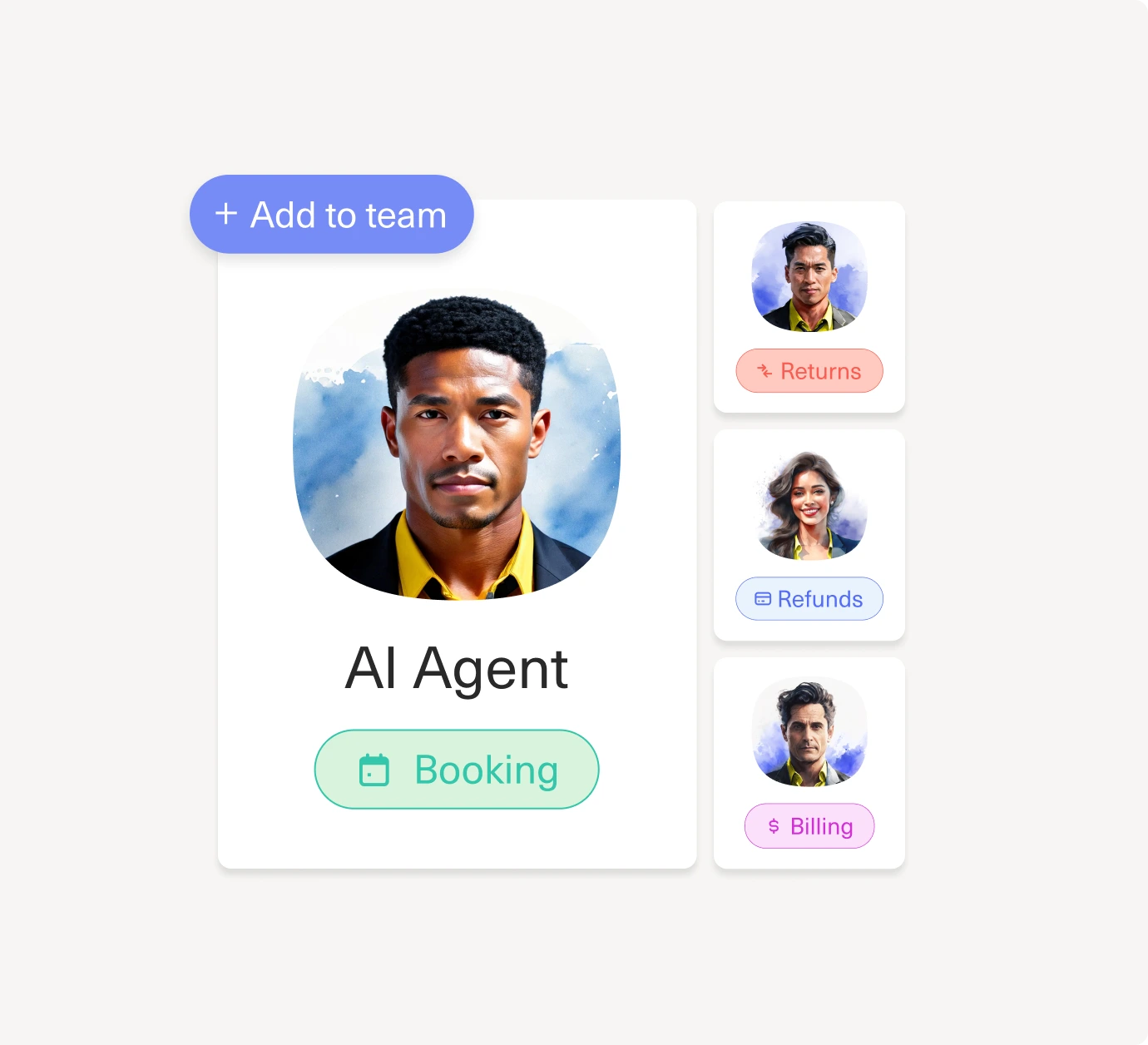
A digital interface with profile cards, the center card showing a yellow smiley face labeled AI Agent and a Booking button, surrounded by partially visible cards with people’s profile photos. A + Add agent tag is above.
Deploy AI Agents with ease with AI guidance
Design and deploy complex CX workflows without writing code. Configure conditional logic, integrate third-party APIs, and orchestrate multi-step automations through a visual interface.
Learn More
Lead with confidence through instant CX insight
Turn every question into a clear, data-backed answer. Get real-time visuals, simple explanations, and practical recommendations that help you make faster, smarter decisions across your CX organization.
Learn More
A user asks, Why did handle time spike and what can we do about it? Above two bar charts, followed by sections labeled Key Insights and Suggested Next Steps with loading bars.
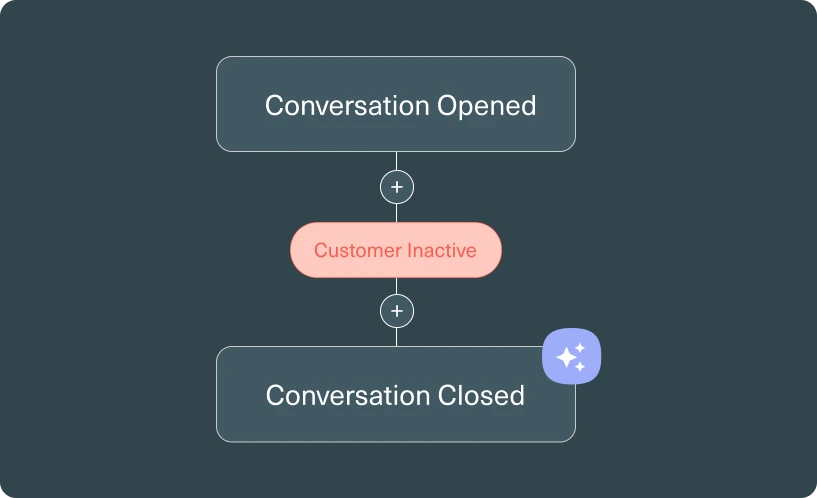
A flowchart shows steps: Conversation Details, Conversation found, Conversation opened, Customer inactive, then Close Conversation. A sidebar labeled AI Assistant states: Automatically close conversations after customer inactivity.
Bring intelligence to every member of your CX team with purpose-built assistants
Leverage AI Assistants to design workflows, write knowledge base articles, develop AI Agents, and a lot more without having to switch tools or buy add-ons.
Learn More

Elevate every experience with AI

Faster resolutions for customers, smarter tools for reps, better insights for leaders

A chat conversation about hotel check-in, with text bubbles from two people and a message saying a room will be ready by 12:30 PM. A smiling face icon appears in the corner.

Autonomously resolve issues with always-on, contextual AI agents

Move beyond rules-based automation. Our AI agents use natural language understanding, conversation context, and historical data to resolve complex support interactions autonomously. 

Learn More
A chat interface suggesting actions for booking a hotel room. Options include Book Standard room and Book Deluxe room. A cursor points to Book Deluxe room. A profile image of a smiling woman is on the right side.

Empower your human agents with real-time contextual intelligence

Augment agents with an AI copilot that analyzes requests, pulls relevant context, and suggests responses in real time, surfacing customer history, product info, and resolution patterns during the conversation.

Learn More
A digital interface with profile cards, the center card showing a yellow smiley face labeled AI Agent and a Booking button, surrounded by partially visible cards with people’s profile photos. A + Add agent tag is above.

Deploy AI agents with ease with a no-code AI builder

Design and deploy complex CX workflows without writing code. Configure conditional logic, integrate third-party APIs, and orchestrate multi-step automations through a visual interface.

Learn More
A digital dashboard with a chat message, two bar graphs, and expandable sections labeled Key Insights and Suggested Next Steps. A profile photo is next to the chat message at the top.

Lead with confidence through instant CX insight

Turn every question into a clear, data-backed answer. Get real-time visuals, simple explanations, and practical recommendations that help you make faster, smarter decisions across your CX organization.

Learn More
A flowchart shows steps: Conversation Details, Conversation found, Conversation opened, Customer inactive, then Close Conversation. A sidebar labeled AI Assistant states: Automatically close conversations after customer inactivity.

Bring intelligence to every member of your CX team with purpose-built assistants

Leverage AI Assistants to design workflows, write knowledge base articles, develop AI Agents, and a lot more without having to switch tools or buy add-ons.

Learn More

Smarter AI. Happier customers

AI with context isn’t hype; it’s how our customers cut handle time by 45% and boost CSAT 20+ points.
“So far, 70% of all conversations coming into chat are fully automated using Kustomer’s AI.”

White lowercase letters spelling vuori in a minimalist, sans-serif font on a white background. The text is faint and blends with the background, making it difficult to read.
“Kustomer gives us the confidence to scale with AI without sacrificing speed, accuracy, or the customer experience.”
White text on a light gray background reads LoadUp with the U designed as an upward-pointing arrow.

Try Kustomer AI free for 30 days

Experience how AI Agents help your team save time, resolve issues faster, and stay in control from day one.
Try for free
Two people standing together indoors, smiling and looking at a laptop screen. One person holds the laptop while the other holds a closed laptop in their arm. Both appear engaged and focused on the device.

Adaptive AI you can trust

Kustomer’s AI Reasoning Engine ensures every decision is explainable,
auditable, and aligned with your brand.
A simple blue globe icon with two vertical curved lines and one horizontal line intersecting inside a circular outline on a light gray background.
Combine control with intelligence
Balance speed with accuracy by configuring AI to match each use case. Use deterministic logic for guaranteed outcomes, and predictive AI for complex scenarios that need contextual understanding.
A simple purple outline of an eye icon with a circular iris in the center, set against a light gray background.
Never wonder why AI made a decision
Best-in-class observability shows you the reasoning, procedures used, and step-by-step logic behind every AI action, with recommendations from our Observability Assistant.
A simple, blue lightning bolt icon with a thin outline on a light gray background.
Scale automation without
losing trust
Start with high control and low autonomy, then progressively expand AI capabilities as your team validates performance, moving from AI assistance to autonomous execution at your own pace.
A blue check mark inside a blue circle on a light gray background, representing confirmation or success.
Deploy AI with confidence with
AI Evaluations
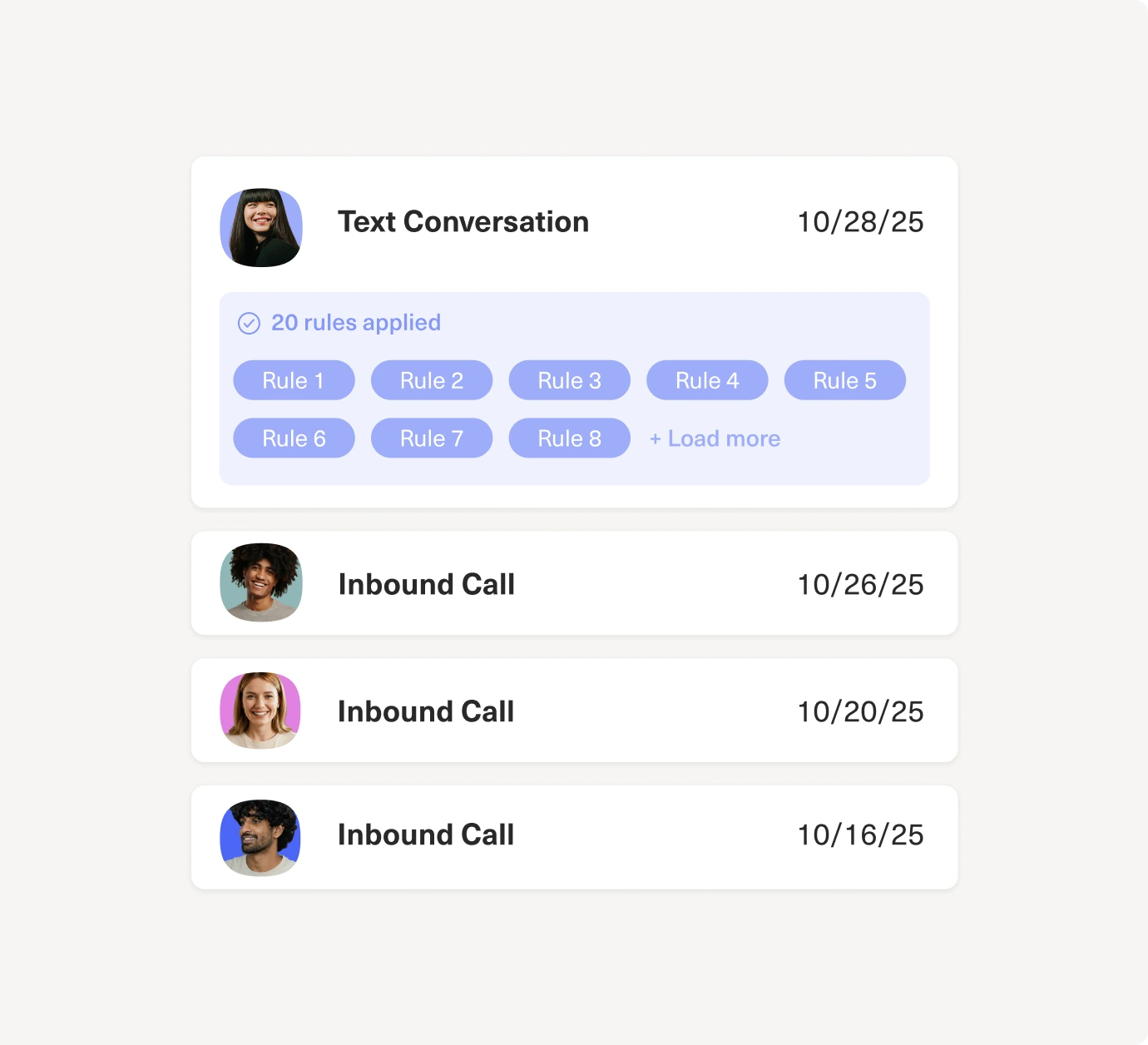
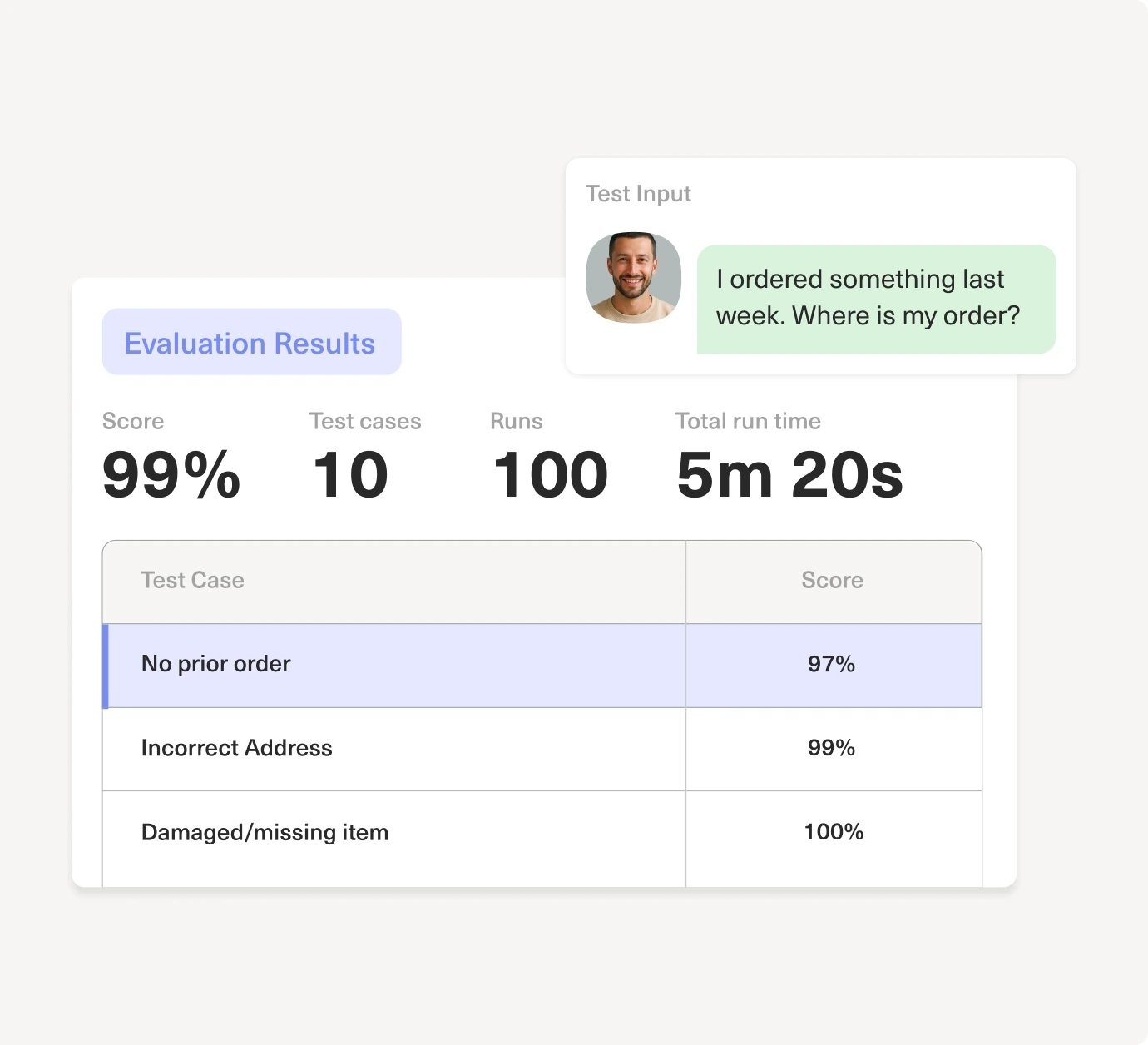
Automatically evaluate every AI interaction for accuracy, tone, and compliance, testing hundreds of conversations at once to ensure consistent performance.
A simple blue hierarchical diagram with one box at the top, connected by lines to three boxes below, illustrating a basic organizational structure.
Set escalation controls with
AI Guardrails
Guardrails, failsafes, and escalation controls let you set thresholds and route high-risk conversations to a human when needed.

Adaptive AI you can trust

Kustomer’s AI Reasoning Engine ensures every decision is explainable,
auditable, and aligned with your brand.

Combine control with intelligence

Balance speed with accuracy by configuring AI to match each use case. Use deterministic AI for guaranteed outcomes, and probabilistic AI for complex scenarios that need contextual understanding.

Never wonder why AI made a decision

Best-in-class observability shows you the reasoning, procedures used, and step-by-step logic behind every AI action, with recommendations from our Observability Assistant.

Scale automation without
losing trust

Start with high control and low autonomy, then progressively expand AI capabilities as your team validates performance, moving from AI assistance to autonomous execution at your own pace.

Deploy AI with confidence with AI Evaluations

Automatically evaluate every AI interaction for accuracy, tone, and compliance, testing hundreds of conversations at once to ensure consistent performance.

Set escalation controls with AI Guardrails

Guardrails, failsafes, and escalation controls let you set thresholds and route high-risk conversations to a human when needed.
Enterprise-grade security
A dark circle with a padlock above the text GDPR in the center, surrounded by a ring of twelve stars.
Black and white logo of the California Consumer Privacy Act (CCPA) with a map of California, a padlock icon, and the text CALIFORNIA CONSUMER PRIVACY ACT in a circular border.
Black caduceus symbol with two snakes and wings next to the words HIPAA COMPLIANT in bold, uppercase letters on a white background.
A grayscale logo with a shield featuring stars and stripes next to the text Privacy Shield Certified.
ISO 27001 logo in grayscale, featuring a globe design on the left and the text ISO 27001 in bold letters to the right.
A black and white image showing the AICPA SOC logo on the left and the text SOC 2 Type II Certified on the right, indicating compliance with SOC 2 Type II standards.
A dark circle with a padlock above the text GDPR in the center, surrounded by a ring of twelve stars.Black caduceus symbol with two snakes and wings next to the words HIPAA COMPLIANT in bold, uppercase letters on a white background.ISO 27001 logo in grayscale, featuring a globe design on the left and the text ISO 27001 in bold letters to the right.
Black and white logo of the California Consumer Privacy Act (CCPA) with a map of California, a padlock icon, and the text CALIFORNIA CONSUMER PRIVACY ACT in a circular border.A grayscale logo with a shield featuring stars and stripes next to the text Privacy Shield Certified.A black and white image showing the AICPA SOC logo on the left and the text SOC 2 Type II Certified on the right, indicating compliance with SOC 2 Type II standards.

Scale CX without engineering dependencies

A simple white stopwatch icon with two horizontal lines to the left, suggesting motion or speed, on a light gray background.
Deploy AI in days, not quarters
Use our visual AI Agent Studio to build, test, and launch sophisticated AI workflows without writing code or waiting for developer resources
A simple white outline of a rocket ship with fins and a pointed nose, centered on a light gray background.
Make changes on the fly
Configure reasoning logic, update procedures, and optimize AI behavior through an intuitive interface your CX ops team can manage independently.
A minimalist icon with three white squares and a plus sign arranged in a grid pattern on a light gray background.
Maintain and improve autonomously
Monitor performance, roll back changes, and iterate on AI agents with built-in version control and testing environments—no engineering tickets required.

Meet the only CX platform where AI runs on context, not guesswork

Five blue stars in a horizontal row on a light background, representing a five-star rating.
from 500+ G2 reviews
Badge with the G2 logo in the top right corner. The text reads: Winter 2025. Easiest To Use. Enterprise. The badge features a white background with a yellow border at the bottom.
A digital badge with the text Winter 2026 Leader and the G2 logo in the top right corner, featuring a red, orange, and yellow border at the bottom.
Badge with the text Winter 2025 G2 Fastest Implementation Enterprise, featuring a red and white G2 logo in the upper right corner.
A badge labeled Winter 2026 High Performer Enterprise with the G2 logo in the top right corner and a yellow, orange, and red border at the bottom.
A badge labeled Winter 2026 and G2 at the top, with Most Implementable and Enterprise written in bold letters in the center. The badge has a blue accent at the bottom edge.
A badge reading Winter 2026 Leader Mid-Market with a G2 logo in the top right corner and yellow, orange, and red stripes at the bottom.
A G2 badge labeled Momentum Leader for Fall 2025. The design features a red G2 logo in the top right and gold, red, and orange stripes at the bottom.

On Zendesk?

Experience Kustomer AI risk-free with our 30-Day trial
Try for free
cross linkedin facebook pinterest youtube rss twitter instagram facebook-blank rss-blank linkedin-blank pinterest youtube twitter instagram